Description
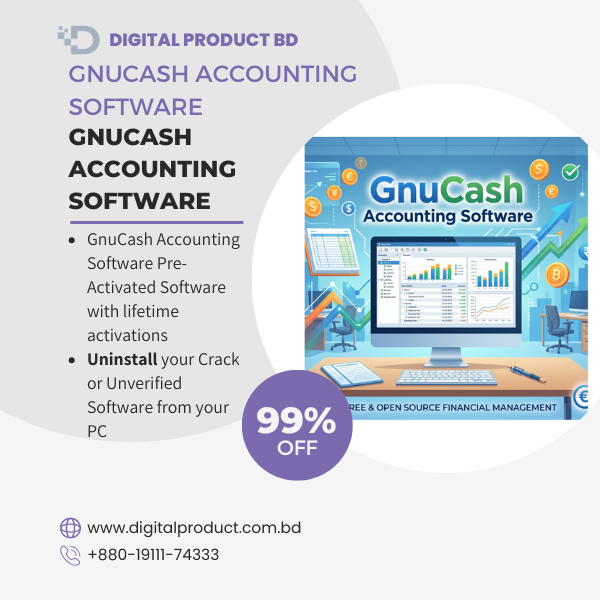
GnuCash Accounting Software Pre-Activated – Complete Financial Management
Take total control of your personal or small business finances with GnuCash Accounting Software. First, this software is incredibly easy to use. Furthermore, it gives you the power to track bank accounts, stocks, income, and expenses with absolute accuracy. As a result, you can master double-entry bookkeeping without any stress.
At Digital Product BD, we offer a fully pre-activated and ready-to-install package. Therefore, you can skip complicated setups or risky cracked files. Instead, you simply download the safe file, install it, and start balancing your books right away!
Why Buy From Digital Product BD?
We always put your security and convenience first. When you buy our digital software packages, you get great benefits. For example:
-
Instant Download Delivery: You get a high-speed download link right after you finish your checkout.
-
Pre-Activated & Ready: You do not need any license keys or complex patching. Moreover, the setup process is fast and ready to go.
-
100% Safe & Secure: We completely avoid unsafe cracks. In addition, we test all our software files to make sure they contain zero malware or viruses.
-
Lifetime Access: You install the software once, and then you use it forever.
-
Reliable Support: Our team stands ready to help if you face any issues during the download or setup process.
Key Features of GnuCash Accounting
-
Double-Entry Accounting: This feature ensures you always keep your books balanced. Specifically, every transaction debits one account and credits another equally.
-
Helpful Reporting: You can easily generate clear graphs and reports. For instance, you can view Balance Sheets, Profit & Loss statements, and Portfolio Valuations.
-
Scheduled Transactions: The software lets you automate repeating transactions. Consequently, you never miss a payment because you set your own timelines and reminders.
-
Statement Reconciliation: You can quickly compare GnuCash accounts with your real bank statements. Thus, you easily spot any missing details or errors.
-
Multi-Currency Support: Furthermore, the platform allows you to track bank accounts and global investments in different currencies without a problem.
Minimum System Requirements
GnuCash runs smoothly on most standard computers. To be specific, your PC needs:
-
Operating System: Windows 10/11, macOS, or Linux.
-
Processor: 1 GHz multicore processor or faster.
-
RAM: 2 GB of RAM (However, we highly recommend 4 GB for larger databases).
-
Storage: 500 MB of free hard-disk space.
How to Download and Install?
-
Purchase: First, click the Buy Now button and finish your secure payment on Digital Product BD.
-
Get the Link: Next, check your email or your account dashboard for the instant download link.
-
Install: Then, download the file, unzip it, and run the installer application.
-
Start Accounting: Finally, the software opens fully activated, so you can create your first ledger immediately.